
AI Event Invitations: How Do You Write a Clear Invite?
Use AI to draft an event invitation from confirmed details. Explain who should attend, what to expect, and how to register, then verify before sending.
- #AI Marketing
Use AI to draft an event invitation from confirmed details. Explain who should attend, what to expect, and how to register, then verify before sending.


To use AI to write an event invitation email, give it confirmed event details, specify who should attend, and ask for a draft that explains what to expect and how to register. Tell it to flag missing information rather than invent speakers, benefits, deadlines, or urgency. Review the draft against your event brief and test the registration link before sending.
An AI event invitation email is an invitation drafted or edited with artificial intelligence using information supplied by the organizer.
Treat AI as your writing assistant, not your event planner. Keep decisions about the agenda, audience, pricing, and attendance requirements with the person responsible for the event.
Start with an approved event brief. Use a document you control rather than asking AI to piece together information from old announcements or previous events.
Record the following:
Mark every field as confirmed, not applicable, or missing. Do not treat an empty price field as permission to write “free.” Likewise, do not turn an undecided agenda into a promised demonstration.
Keep private attendee lists and unnecessary personal information out of the prompt. Use an approved public contact address when the invitation needs a reply destination.
Write a plain-language sentence describing the intended reader. For a hypothetical networking event, this might be: “This event is for local independent business owners who want to introduce themselves to other business owners.”
Then describe the confirmed activity. If the plan is informal introductions, say that. Avoid upgrading it to “expert-led networking” or promising new clients.
Use the same discipline for workshops and open houses. Describe a scheduled practice activity or a tour of the premises, not an outcome the organizer cannot guarantee.
For more help organizing your instructions, use the guide to what to include in AI marketing prompts. OpenAI’s prompt engineering guidance also discusses providing clear instructions and relevant context.
Replace the bracketed fields with approved information. Leave unresolved fields marked MISSING rather than guessing.
Design your first three AI teammates in a single afternoon. Unlocks instantly — plus one practical ai workforce play each week. No fluff, unsubscribe anytime.
Write a clear event invitation email using only the information below.

EVENT BRIEF
Event name: [confirmed name]
Host: [confirmed host]
Intended audience: [who should attend]
Purpose: [approved purpose]
Date: [confirmed date]
Start and end times: [confirmed times]
Time zone: [confirmed time zone]
Location or online format: [confirmed details]
Agenda and activities: [confirmed activities]
Speakers or facilitators: [confirmed details / not applicable / MISSING]
Cost and fees: [confirmed details / MISSING]
Registration or RSVP method: [approved URL or instructions]
Registration deadline: [confirmed deadline / none / MISSING]
Capacity statement: [approved wording / omit]
Preparation required: [confirmed details / none / MISSING]
Accessibility and questions contact: [approved contact]
Tone: [for example, professional and welcoming]

INSTRUCTIONS
First, list missing or conflicting details for the organizer.
If essential attendance or registration information is missing,
return questions instead of a send-ready email.

Otherwise, draft a subject line, preview text, and email body.
Explain who should attend, what will happen, and how to register.
Use short paragraphs and a compact event-details list.
Use a single primary registration action.

Do not invent speakers, qualifications, activities, benefits,
prices, refreshments, recordings, deadlines, or limited availability.
Do not describe attendance as free unless explicitly confirmed.
Do not turn activities into guaranteed outcomes.
Keep organizer notes separate from the email.
After the factual review, ask for a tone adjustment without changing the information. The guide to keeping AI-written copy in your brand voice is a useful next reading choice.
Use a structure that puts the attendance decision ahead of promotional language. Start with relevance, explain the activity, present logistics, and finish with the registration action.
The following is a hypothetical template, not a real event announcement. The sample activities should be used only if an organizer confirms them; replace every bracketed field before sending.
Subject: Invitation: [event name] for local business owners
Preview text: Meet other local owners at [location] on [date].
Hello [first name],
You're invited to [event name], hosted by [host] for local independent business owners.
Join us for informal introductions and conversation about your businesses. The planned format is open networking rather than a presentation.
Date: [confirmed date]
Time: [start–end time and time zone]
Location: [venue and full address]
Cost: [confirmed cost and fees]Register for [event name]: [approved registration URL]
Questions about attending? Contact [approved contact].
[Approved sender name]
Notice what to leave out: unconfirmed refreshments, impressive-sounding speakers, guaranteed business opportunities, and “last chance” language without an actual deadline.
For the registration link, use descriptive wording such as “Register for [event name]” rather than “Click here.” W3C’s writing for web accessibility guidance recommends meaningful link text.
Run this checklist before approving the email:
Resolve essential gaps with the organizer. Remove optional unconfirmed claims instead of asking AI to make them sound plausible.
Compare every event statement with the approved brief. Then open the registration page and check the attendee journey, including the form, confirmation message, and any payment step.
Send yourself a test email. Inspect the subject line, preview text, formatting, and link on a phone. Ask a colleague to identify who the event is for, what will happen, and how to register without additional explanation.
Use the AI-written content review guide as a companion to your event checklist. Repeat the factual check after substantial revisions and immediately before publication.
For further professional learning, explore Web Media University’s Professional AI Marketing Certification, a professional AI marketing certification program. Keep the same principle in your daily work: use AI to organize and express approved information, while keeping final approval with a responsible person.
Get certified with Web Media University’s Professional AI Marketing Certification. — Join the membership
Frequently asked questions
Use AI to organize the confirmed information and list questions for the organizer, but do not request a send-ready invitation with invented agenda items. If you are announcing a save-the-date, label it accordingly and include only approved details. Wait to describe specific activities until they are confirmed.
Focus on relevance and confirmed activities. Explain who the event is intended for, what attendees will do, and what participation requires. Replace broad promises such as “transform your business” with an accurate description of the session. Include urgency only when a real deadline or verified availability statement supports it.
Use the attendance process approved by the organizer. If registration is required, direct readers to the registration page and explain how they will receive joining instructions, if confirmed. If direct access is intended, provide the approved joining details. Do not invent a confirmation email or access process.
Ask it to remove repetition and promotional filler while preserving the audience, confirmed activities, date, time zone, location, cost, and registration instruction. Compare the shortened version with your approved brief. Reject edits that remove essential attendance information or replace precise details with vague language such as “join us soon.”
Design your first three AI teammates in a single afternoon. Unlocks instantly — plus one practical ai workforce play each week. No fluff, unsubscribe anytime.
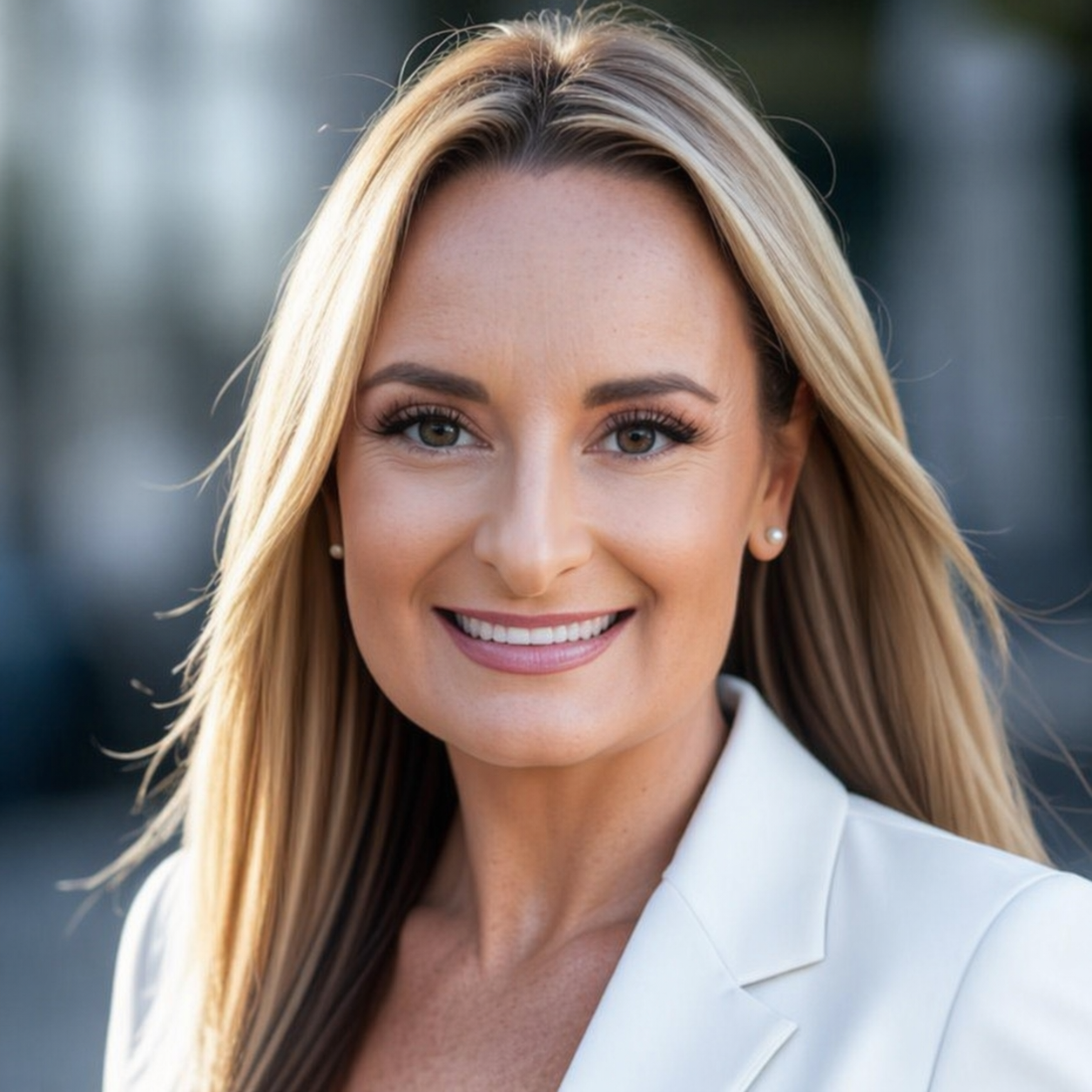
About the author
CEO of Web Media University and Web Strategy Plus · Author of the four-book series The Social Media Magnet
Michelle Hummel is a Certified AI Integration Specialist and Certified Social Media Marketing Strategist, AI marketing educator, and digital growth expert who has trained thousands of business owners, franchise teams, and marketing professionals.
Through her award-winning agency, Web Strategy Plus, she helps businesses and franchise brands implement AI-powered marketing, SEO, content, and lead-generation systems.
Build with Michelle in real time. Learn AI. Grow faster. Join the fastest-growing AI business community, where entrepreneurs learn AI, build real businesses, access exclusive tools, earn certifications, and connect with like-minded professionals.
Next step for AI Workforce readers
Choose AI marketing tools by testing the same task and comparing output quality, review effort, data handling, and workflow fit before committing.
Group keywords with AI by the question each searcher wants answered, then review meanings, separate different intents, and map groups to useful pages.
Compare AI marketing budgets using your costs, goals, and limits. Separate assumptions from evidence and test spending changes before committing more.