AI Brand Photo Studio
Upload a few of your own selfies and create professional headshots, HeyGen-ready avatar portraits and on-brand social graphics — with your real logo and text placed precisely, not guessed by AI.
Included for AI Avatar Workshop members and eligible WMU memberships. Sign-in required.
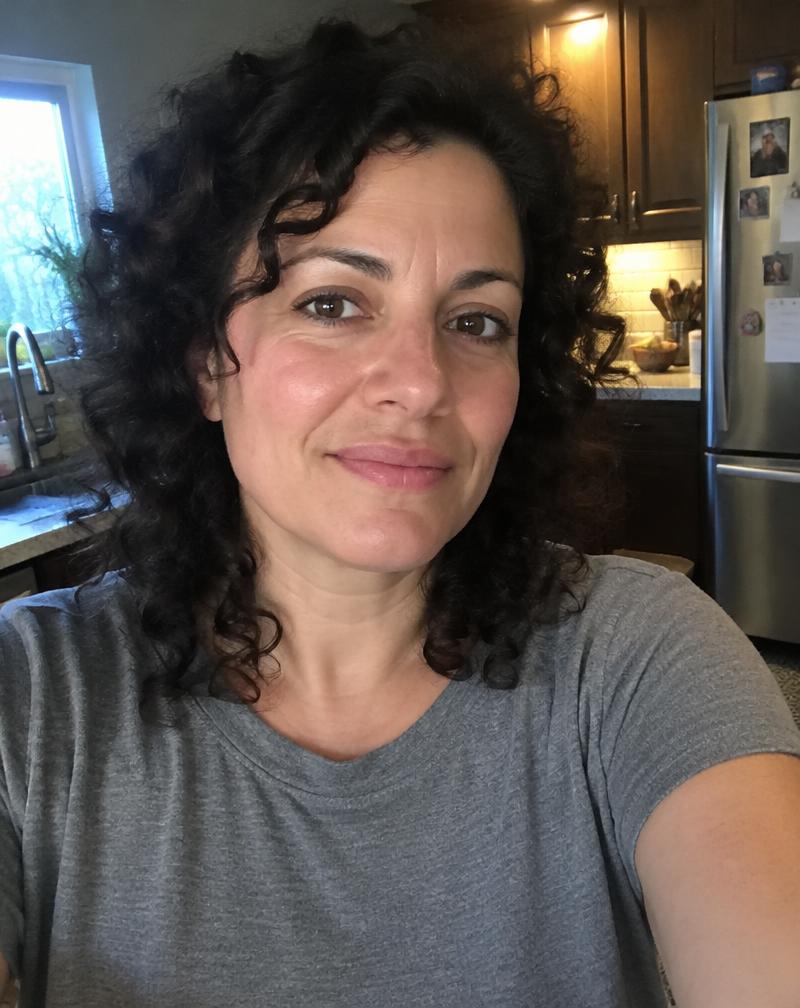 SAMPLE
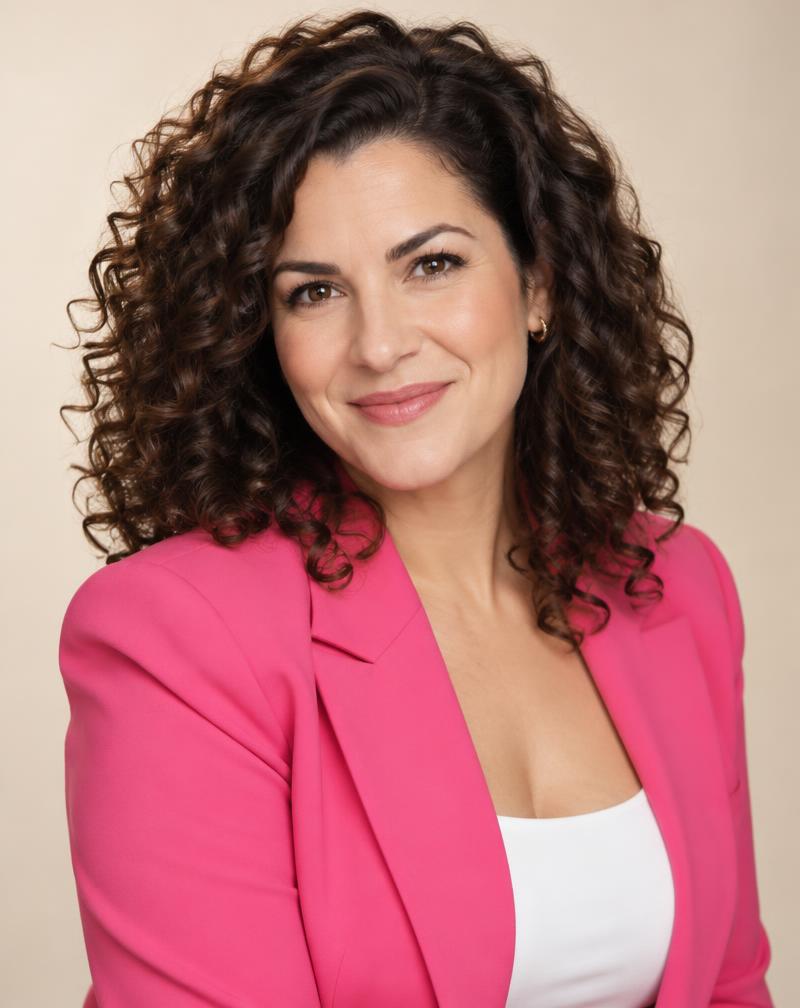 SAMPLE
Illustrative sample of a fictional person. Real results vary and should be reviewed.
1. Upload
1–5 clear photos of yourself. Private to your account, deletable anytime.
2. Customize
Pick a style, wardrobe (yes, the hot pink blazer), background, crop and brand colors.
3. Generate
Create variations, favorite the best, add your text and logo, download PNG, JPEG or ZIP.
Headshot styles
Marketing graphics
Create a HeyGen-ready portrait
- Upload 3–5 sharp, well-lit selfies facing the camera, with no sunglasses, hats or heavy filters.
- Choose the Speaker or Professional style, a plain background and the Soft beauty light option.
- Use the 9:16 crop for vertical videos or 1:1 for a square photo avatar. Keep a natural expression with the mouth closed or slightly smiling.
- Generate 2–4 variations, compare them to your real face, and favorite the one that looks most like you.
- Download as PNG and upload it in HeyGen when creating a photo avatar. Test a short clip before you use it widely.
Only upload photos of yourself, or of someone who has given you permission. Uploads stay private to your account and are used only to create your images. AI images can drift from your real likeness — always review them before use.